01→
Register customer, site and server
Separate customer, website and infrastructure assets for multi-site delivery.
Site + infrastructure modelGenerating a page is easy. Shipping a real website—and being able to recover it—is the hard part.
WJ Site Builder connects customer data, site assets, servers, AI-assisted content, WordPress / WooCommerce, publishing, rollback and restore in one delivery system.
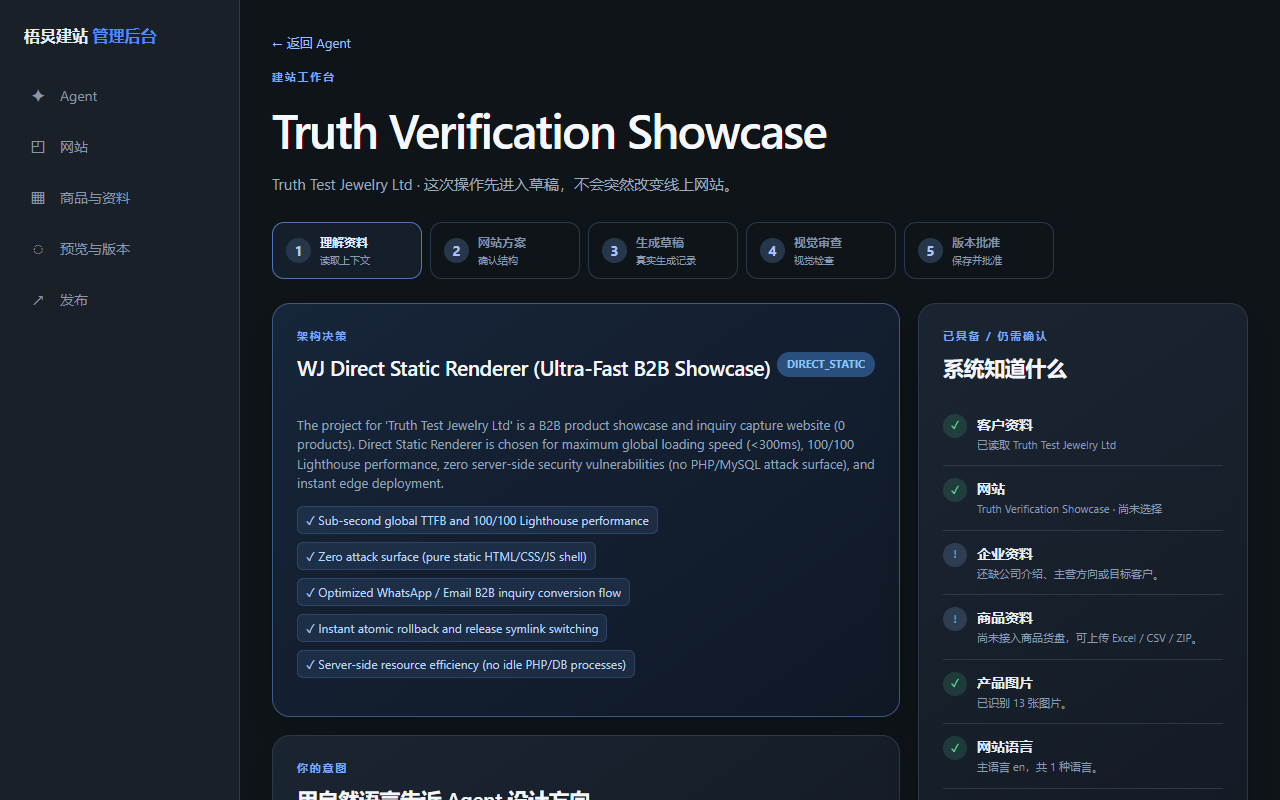
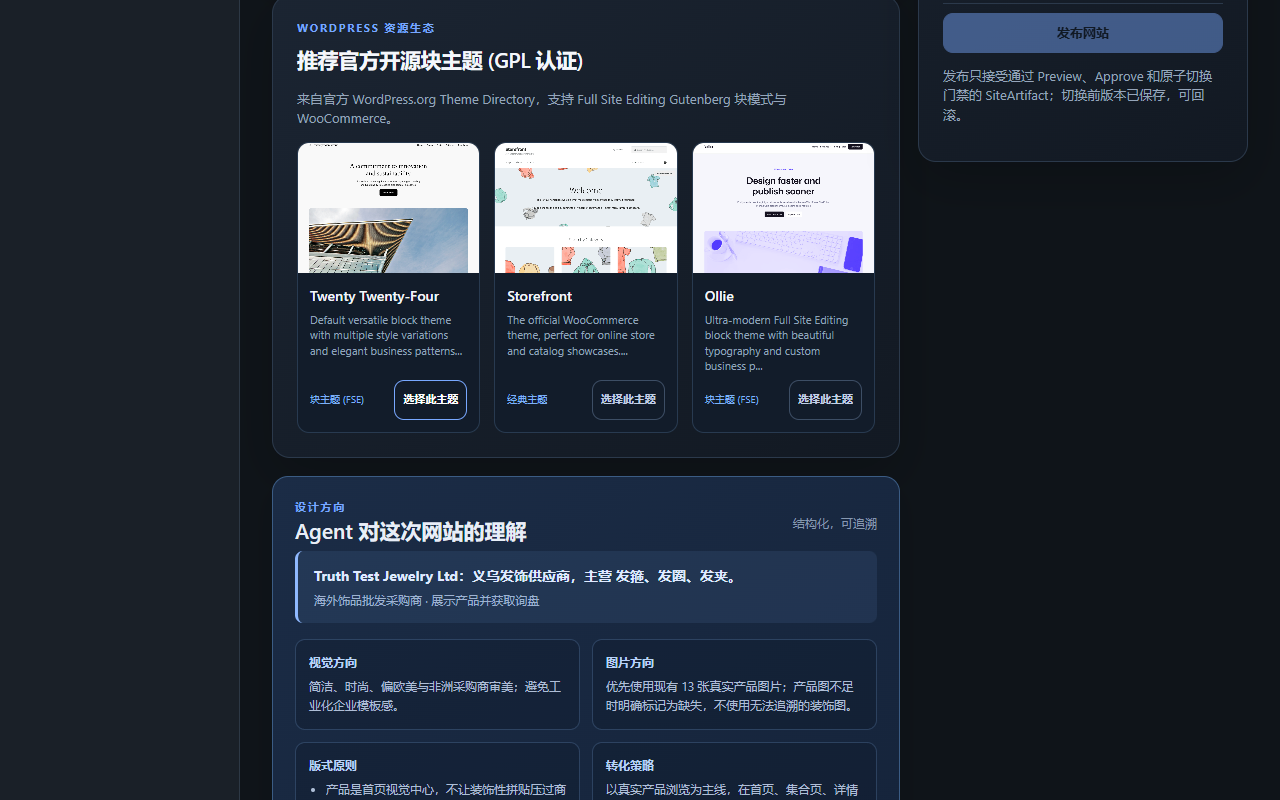
ONE REAL TASK
The result is not a mockup. It is a deployable site on a real server with ongoing publishing, rollback and recovery paths.
01Design, content, server setup and WordPress are handled separately.
02Product data is copied repeatedly between files and backends.
03Launches depend on ad-hoc SSH and manual server work.
04When publishing fails, rollback and restore are inconsistent.
01Customer, site and server assets are managed separately.
02SSH checks the real server environment and dependencies.
03Catalogs, media and site briefs enter one workspace.
04WordPress / WooCommerce deployment runs through one delivery engine.
05Publish, rollback and restore are explicit operations.
HOW IT WORKS
Each step says what the system does and what it hands to the next step.
Separate customer, website and infrastructure assets for multi-site delivery.
Site + infrastructure modelCheck OS, CPU, RAM, disk, Nginx, MySQL and ports over authorized SSH.
Environment reportBring products, images and site assets into one delivery workspace.
Content assetsUse the deployment engine and site agent for WordPress / WooCommerce execution.
Live websiteKeep publish, rollback and restore as first-class product operations.
Maintainable production siteWHY THIS PRODUCT
Every differentiation point has product or repository evidence behind it.
The hard part is the last mile: server reality, WordPress, WooCommerce, publishing and recovery.
One customer can own multiple sites and servers without collapsing everything into one project record.
A production site builder must handle SSH, host keys, dependencies and release state—not just HTML.
WHAT YOU ACTUALLY GET
We separate what is ready, what is demo-stage and what still requires human approval.
WordPress / WooCommerce are the primary CMS and commerce targets today.
Server takeover requires authorized SSH / WordPress access.
Some infrastructure edge cases still require manual server configuration.
We will first decide whether this product fits, a demo is needed, or the workflow should be custom-built.